


Want to become a TpT creator & seller?
Hey there, fellow teachers, creatives, designers, (and maybe even curious teachers turned stay-at-home moms)! Remember that overflowing lesson plan drawer? Those piles of cute classroom activities you spent way too many late nights crafting? Well, dust them off, because you can turn your passion for teaching into a profitable side hustle – all thanks to the magic of Teachers Pay Teachers (TPT)!
But wait, TPT sounds intimidating! Hold on to your glitter glue, because this guide is here to break it down for you, step-by-step. We’ll talk setting up your shop, creating awesome products, and those little ninja moves to make your store a success. Take a look at the bottom of this post for a FREE download of my TpT research and tips!
Before We Dive In: Must-Have Tools for TPT
- Awesome Lesson Plans & Activities: This is kinda the heart and soul of your shop, right? Make sure your resources are engaging, well-organized, and grade-level appropriate.
- Pick a Name and Logo: What do you want name your store? What’s your niche? Once you have that squared away, make a logo for your store! I used PPT to make mine, but Canva is a great place to start. I have changed mine 3 times over the past few years until I settled with a color scheme and design I truly love. If you choose to add a blog or social media accounts for your store, make sure all of your platforms are cohesive.
- Eye-Catching Graphics & Fonts: Let’s be honest, pretty resources sell! Invest in some adorable clipart or snag a subscription to a design service. Free resources work too, but be sure they have a commercial license.
- A Killer Preview: This is your shop window! Use clear thumbnails and previews to showcase what your amazing product offers.
- A Program to Design Your Creations: The most common program used to create TpT resources is Microsoft PowerPoint (PPT), but it all depends on what you’re creating! I use PPT and save my files as a PDF to sell on the platform. Many creators use Google Slides and Spreadsheets for digital tools, Procreate/Adobe/Photoshop for font and clipart creation, and Canva.
- My Top Tools for Creation: PowerPoint, Canva, and a library full of fonts and clipart from other TpT sellers.
Alright, Let’s Get This Shop Going!

- Setting Up Your TPT Shop: Head over to https://www.teacherspayteachers.com/ and create a free account. Fill out your profile info, choose a catchy shop name, and upload a fun shop logo.
- Terms of Use: The Boring But Essential Part: Nobody likes legalese, but a Terms of Use (TOU) protects you and your buyers. Don’t worry, you don’t have to write one from scratch! TPT offers a handy TOU template you can customize. Check out my TOU document for some inspo or grab the FREE template I used to make mine from Teacher Karma on TpT.
- Crafting Your Masterpiece: What to Include: There’s a whole world of possibilities on TPT! Here are some popular beginner-friendly products:
- Lesson Plans/Planners: Package your existing lesson plans into a neat and tidy PDF. Include learning objectives, materials lists, activities, and assessments.
- Activities: Think printables, worksheets, centers, games – anything that keeps those little learners engaged.
- Templates: From calendars to planners to graphic organizers, templates are a lifesaver for busy teachers (and time-crunched sellers!).
- Classroom Decor: Liven up your (or someone else’s) classroom with posters, banners, bulletin board borders, and more.
- Upload Your Creations and Start Selling! TpT might take some time to get the hang of, but the platform is pretty friendly for first-timers. Don’t forget to add a cover and instruction page(s) as needed, and your TOU to each product of your files. Create a rich description and set a fair price (but don’t sell yourself short).
- Beef up Your Store: Add feature products and freebies, banners, and custom categories. TpT is giving the store pages a fresh new look (check out the details here) with more options in a few weeks! Here is a link to some templates TpT has shared with sellers to make a banner for the new store page: banner templates for TpT Want to add emojis to your custom categories or descriptions? Check out this How To FREE Download, this emoji tutorial, code, & list, or check out my free download for a compiled list to copy and paste!
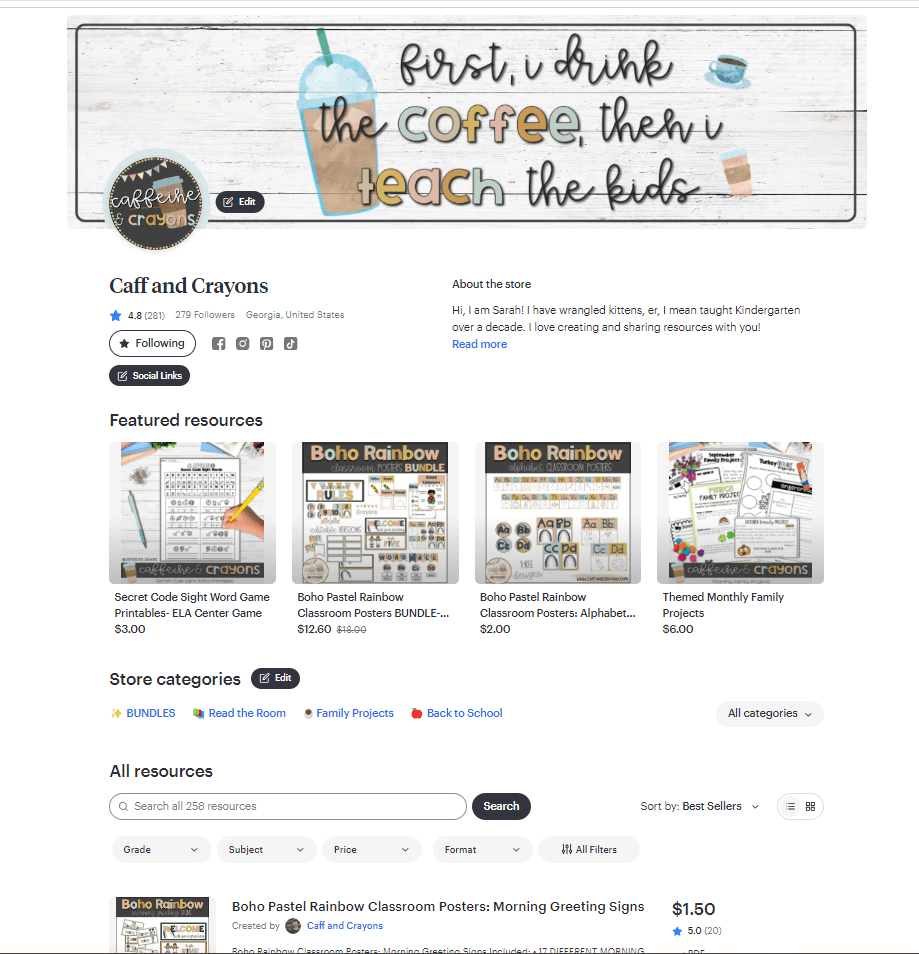

Pro Tip: Keep it focused! Start with a niche you know well, like a specific grade level or subject.
Now You’re Cooking! Here are some Extra Tips & Tricks:
- Keywords are Key: Do your research! Use relevant keywords in your product titles, descriptions, and tags to help buyers find your resources. I found this out years after beginning TpT. This is one of the most important steps! Search engine optimization will help you more than a blog or social media in selling your products. <Check out this website for some super helpful info on TpT SEO> LINK and check out the research I have gathered. PDF
- Freebies are Friendly: Offer a free sample product to entice buyers and showcase your teaching style. I offer FREEBIE Fridays. You don’t have to make separate resources for Freebies. Simply take a sample from existing products. Not only is this time saving, it may also tempt the buyer to purchase the full product!
- Previews Matter: Show, don’t tell! Use high-quality previews that clearly show what your product entails. Previews are downloadable to the buyer before purchasing. Don’t forget to add watermarks to your previews and don’t add the full size images.
- Product Descriptions: Create a rich, easy to read, and enticing description for each product. I use a template to make mine cohesive and copy & paste details from my product’s intro/how to page. Time saver!
- Be a Rockstar Seller: Respond promptly to buyer questions and offer excellent customer service.
- Spread the Word: Promote your shop on social media, teacher forums, and educational blogs. I have this blog, Insta, Linktree, TikTok, Pinterest, YouTube, and Facebook page. I’ve also added links on my personal social media and LinkedIn. Collaborate and interact with other teacher and teacher sellers on social media, join TpT Seller groups on Facebook, and connect to other blogs. There is a lot to learn from being a part of the TpT community.
- Don’t get Discouraged: There are many sellers on TpT that make a killing! But that is not the norm. Don’t get discouraged if you aren’t successful right away. TpT is a long game endeavor. But there’s good news! Even if you don’t have a lot of time to grow your business, whatever products remain active on your store will continue to be passive income… FOREVER! If you want to be a serious seller, consider joining the Premium Seller Membership. It boosts your products in TpT’s search engine and you’ll earn a larger percentage of your sales (yes, TpT takes a cut).
- Quality over Quantity: Don’t rush out products for the sake of having a full storefront. Buyers want quality products.
- Be Original: Teachers beg, borrow, and steal ideas, lessons, and activities from each other. And that’s the way it should be! That being said, in the TpT world you shouldn’t copy, remake, or steal resources to sell on your own platform. It’s okay to have similar products as other sellers.- we all tend to have ideas, lessons, and activities that we think we made up or we saw somewhere and have been doing for years. Still, your products should be original and authentic to you. Infringing on other’s intellectual property is a BIG no-no on TpT.
- Don’t Reinvent the Wheel: What lessons have you already created that you use in your classroom? Do you have a really helpful classroom management system? Would you love and use the products you create? Are there supplemental sheets you can make to match activities you already do? Have you already made items for your classroom that you could ‘cutesy’ up and sell?
- Have Fun: If TpT isn’t a fun way for you to make some extra $$, then it isn’t worth your time. Don’t do it for the sake of extra income or to make it “BIG”.
- Be Careful & Legal: Certain licensed characters, books, movies, TV shows, etc. do not allow you to use their likeness. This is especially an issue with making items to go along with Dr. Seuss books. Make sure you are not illegally using characters, names, font, or clipart. Read more here. Don’t forget to track earnings and supplies for tax purposes.
- Reviews, Ratings, & Follows: These really help bring traffic to your store, but also the hardest thing to get traction. Encourage your buyers to follow and leave reviews. Don’t forget- you can’t please everyone! Don’t get discouraged by reviews. Sometimes you’ll get a glowing review, but still get a 4 instead of a 5 (which isn’t a bad thing)! Buyers will receive points for free products every time they rate and review. Some buyers don’t realize how ratings affect your store. Welcome constructive criticism and also understand that your product can be great, but you can be reviewed poorly for things out of your control (the way they print on a different settings, costumers not understanding the purpose or how to use your product properly, etc.) These reviews should be few and far between, though! Be responsive, fix errors, and give great, personable customer service!
Want more? Download my FREE TpT Seller Research guide below!
Remember: Building a successful TPT shop takes time and effort. But with a little creativity, dedication, and these handy tips, you’ll be a TPT pro in no time! So grab a cup of coffee (because, let’s be real, teachers ALWAYS need coffee!), unleash your inner teacherpreneur, and get ready to share your passion with the world!
Now go forth and conquer TPT! And hey, if you have any questions along the way, feel free to leave a comment below. If you decide to try your hand as a TpT seller, comment your store link below. I’d love to support you with a follow!
HAPPY SELLING!


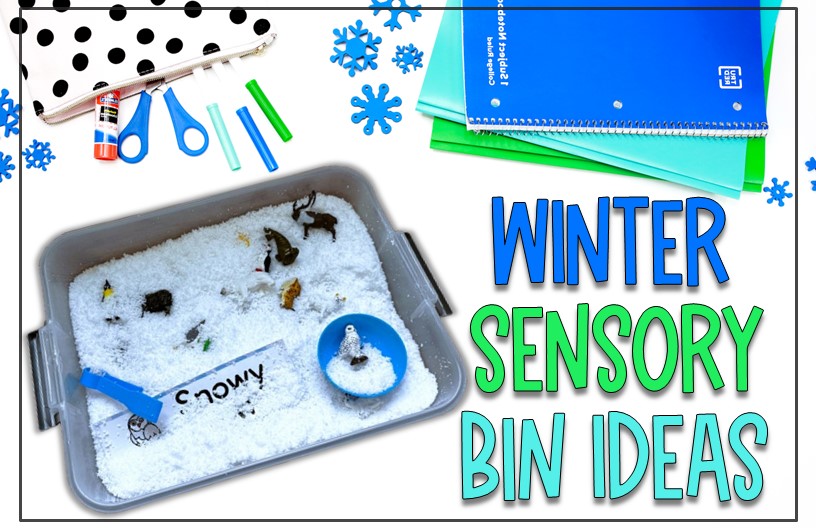


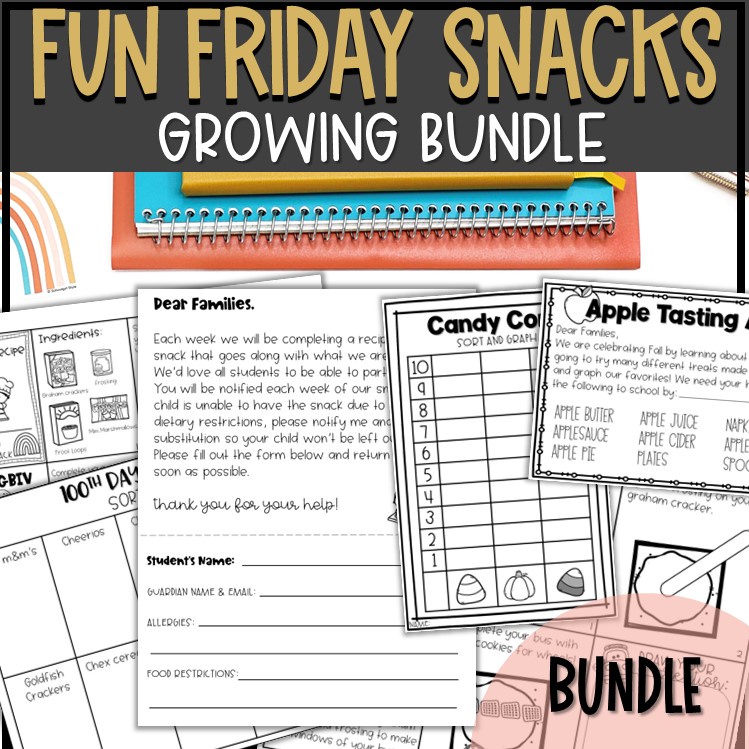
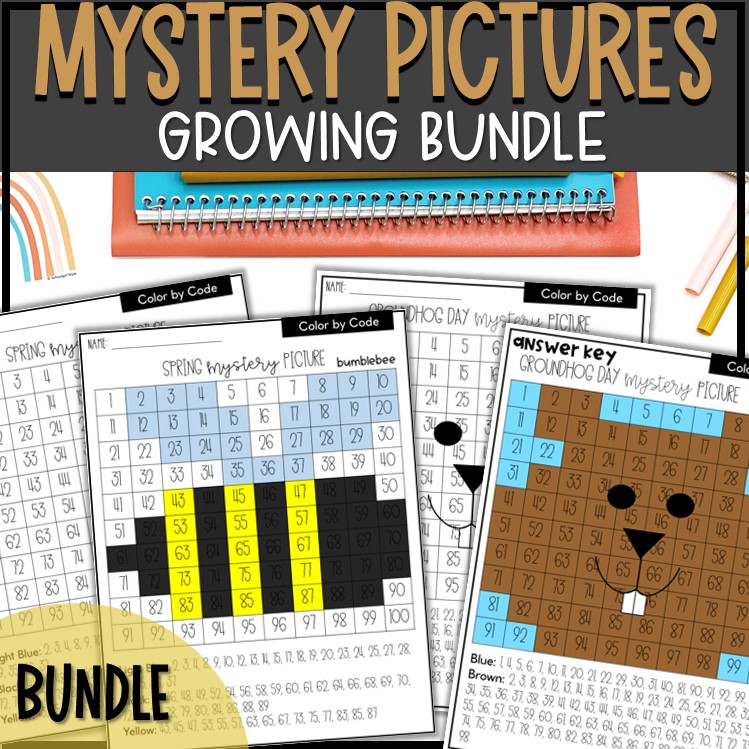


 Caffeine and Crayons
Leave a reply to Caffeine and Crayons Cancel reply